


FIREBASE NUMBER AUTHENTICATION WITH OTP IN ORACLE APEX USING JAVASCRIPT


GooAdmin Team
May 15, 2023


FIREBASE NUMBER AUTHENTICATION WITH OTP IN ORACLE APEX USING JAVASCRIPT
#firebase_in_Oracle_apex
1- HTML code in region Source
1<script async src="https://www.googletagmanager.com/gtag/js?id=G-GCFCN7G09K"></script>
2
3</head>
4<body>
5
6	<div class="container">
7		<div id="sender">
8			<input type="text" id="number" placeholder="+2...">
9			<div id="recaptcha-container"></div>
10			<input type="button" id="send" value="Send" onClick="phoneAuth()">
11		</div>
12		<div id="verifier" style="display: none">
13			<input type="text" id="verificationcode" placeholder="OTP Code">
14			<input type="button" id="verify" value="Verify" onClick="codeverify()">
15			<div class="p-conf">Number Verified</div>
16			<div class="n-conf">OTP ERROR</div>
17		</div>
18	</div>
19
20
21
22</body>
23
24</html>2- JavaScript fileURLS
1https://www.gstatic.com/firebasejs/9.12.1/firebase-app-compat.js
2https://www.gstatic.com/firebasejs/9.12.1/firebase-auth-compat.js
3https://cdnjs.cloudflare.com/ajax/libs/underscore.js/1.8.2/underscore-min.js
4https://cdnjs.cloudflare.com/ajax/libs/gsap/1.18.0/TweenMax.min.js3- in Function and Global Variable Declaration
1
2
3    window.dataLayer = window.dataLayer || [];
4    function gtag() { dataLayer.push(arguments); }
5    gtag('js', new Date());
6    gtag('config', 'G-GCFCN7G09K');
7	// For Firebase JS SDK v7.20.0 and later, measurementId is optional
8const firebaseConfig = {
9  apiKey: "AIzaSyC5Jm1BfuBxopNvCUhOjQlxHwFCgKRyhlA",
10  authDomain: "gooadmin-70ea0.firebaseapp.com",
11  projectId: "gooadmin-70ea0",
12  storageBucket: "gooadmin-70ea0.appspot.com",
13  messagingSenderId: "1074080960270",
14  appId: "1:1074080960270:web:4da03c9f8698c83385515f",
15  measurementId: "G-3RZWYZ26G2"
16};
17	firebase.initializeApp(firebaseConfig);
18render();
19function render(){
20	window.recaptchaVerifier = new firebase.auth.RecaptchaVerifier('recaptcha-container');
21	recaptchaVerifier.render();
22}
23	// function for send message
24function phoneAuth(){
25	var number = document.getElementById('number').value;
26	firebase.auth().signInWithPhoneNumber(number, window.recaptchaVerifier).then(function(confirmationResult){
27		window.confirmationResult = confirmationResult;
28		coderesult = confirmationResult;
29		document.getElementById('sender').style.display = 'none';
30		document.getElementById('verifier').style.display = 'block';
31	}).catch(function(error){
32		alert(error.message);
33	});
34}
35	// function for code verify
36function codeverify(){
37	var code = document.getElementById('verificationcode').value;
38	coderesult.confirm(code).then(function(){
39		document.getElementsByClassName('p-conf')[0].style.display = 'block';
40		document.getElementsByClassName('n-conf')[0].style.display = 'none';
41
42	}).catch(function(){
43		document.getElementsByClassName('p-conf')[0].style.display = 'none';
44		document.getElementsByClassName('n-conf')[0].style.display = 'block';
45	})
46}
474- in CSS inline
1#R18807051265175234_heading {
2  font-size: 30px;
3     text-transform: uppercase;
4  background-image: linear-gradient(
5    -225deg,
6    #231557 0%,
7    #44107a 29%,
8    #ff1361 67%,
9    #fff800 100%
10  );
11  background-size: auto auto;
12  background-clip: border-box;
13  background-size: 200% auto;
14  color: #fff;
15  background-clip: text;
16  text-fill-color: transparent;
17  -webkit-background-clip: text;
18  -webkit-text-fill-color: transparent;
19  animation: textclip 2s linear infinite;
20  display: inline-block;
21}
22div#R18807051265175234 {
23    position: relative;
24    top: -113px;
25    text-align: center;
26    font-size: 86px;
27}
28	.container {
29		width: 302px;
30		height: 175px;
31		position: absolute;
32		left: 0px;
33		right: 0px;
34		top: 0px;
35		bottom: 0px;
36		margin: auto;
37	}
38	#number, #verificationcode {
39		width: calc(100% - 2px);
40		padding: 10px;
41		font-size: 20px;
42		margin-bottom: 5px;
43		outline: none;
44	}
45	#recaptcha-container {
46		margin-bottom: 5px;
47	}
48	#send, #verify {
49		width: 100%;
50		height: 40px;
51		outline: none;
52	}
53	.p-conf, .n-conf {
54		width: calc(100% - 22px);
55		border: 2px solid green;
56		border-radius: 4px;
57		padding: 8px 10px;
58		margin: 4px 0px;
59		background-color: rgba(0, 249, 12, 0.5);
60		display: none;
61	}
62	.n-conf {
63		border-color: red;
64		background-color: rgba(255, 0, 4, 0.5);
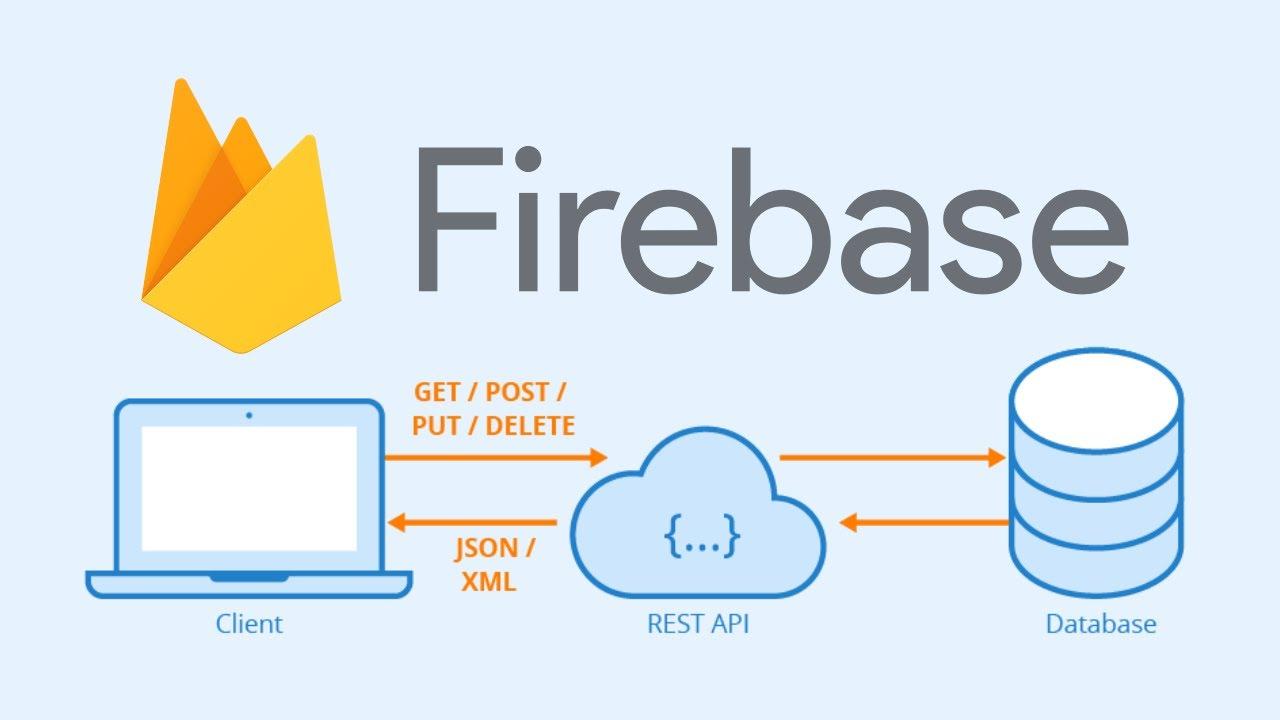
65 }Firebase is a cloud-based platform provided by Google that offers a wide range of services to help developers build and deploy web and mobile applications. Some of the key Firebase services include:
- Realtime Database: Firebase's Realtime Database is a NoSQL cloud-hosted database that allows developers to store and sync data in real time. It uses a JSON data model and provides real-time synchronization across multiple clients, making it ideal for building collaborative applications.
- Firestore: Firestore is another NoSQL database offered by Firebase. It provides more advanced querying capabilities, scalability, and offline support compared to the Realtime Database. Firestore organizes data in collections and documents, and it supports automatic syncing between clients and the server.
- Authentication: Firebase Authentication provides a simple way to add user authentication to your application. It supports various authentication methods, including email and password, social media logins (e.g., Google, Facebook, Twitter), phone number authentication, and more. Firebase Authentication handles user management, authentication flows, and secure token generation.
- Cloud Firestore: Cloud Firestore is a fully-managed NoSQL document database provided by Firebase. It offers seamless data synchronization, powerful querying, and automatic scaling. Cloud Firestore can be used as a standalone database or in conjunction with other Firebase services.
- Cloud Storage: Firebase Cloud Storage is a secure object storage service that allows you to store and serve user-generated content, such as images, videos, and files. It provides simple SDKs and APIs for file uploads, downloads, and storage management.
- Cloud Functions: Firebase Cloud Functions enables you to run serverless functions in response to events from Firebase services or other external triggers. It allows you to execute backend logic without managing servers or infrastructure, making it easier to handle tasks like data processing, notifications, or integration with other services.
- Cloud Messaging: Firebase Cloud Messaging (FCM) provides a reliable and scalable messaging platform for sending push notifications to mobile devices and web applications. It allows you to engage with users, send targeted notifications, and implement app-to-app messaging.
- Hosting: Firebase Hosting allows you to deploy and host your web applications with a secure and globally-distributed content delivery network (CDN). It provides fast and reliable hosting, automatic SSL encryption, and easy deployment using the Firebase CLI or through integrations with popular development tools.
These are just a few of the many services offered by Firebase. Firebase also provides services for analytics, performance monitoring, A/B testing, remote configuration, machine learning, and more. Developers can choose the specific Firebase services that meet their application's requirements and integrate them seamlessly into their projects.
WELECME TO FIREBASE IN ORACLE APEX
May you like


No posts found in the category "Css"